
How to choose a free TikTok video download tool in 2026? A comparison of 6 best tools.
On Friday afternoon, Lin Xiao, a cross-border brand operations manager, was organizing the TikTok influencer collaboration materials for the week: three product review videos to archive, two competitor best-selling videos to analyze, and one video from her own account to be converted into a YouTube Short. The problem was that the videos were scattered across TikTok links, her phone's photo album, and chat history. What she really needed wasn't "just find any download website," but a workflow that could connect the downloading, organizing, reviewing, and subsequent publishing.
This is the real reason why many social media teams search for "TikTok video free download tools": they don't just want to watch offline, but also to back up their own videos, accumulate viral content, analyze competitor content, and transform high-performing content into Instagram Reels, YouTube Shorts, Facebook Reels, or LinkedIn short videos. In actual collaboration, a single piece of footage typically undergoes at least five processing steps: download once, archive once, review once, rewrite once, and publish once. Without a unified record, the time spent finding footage afterwards can easily double.
This article, based on real-world social media operation scenarios, compiles a list of six common TikTok video download tools: SocialEcho, a free image and video downloader , is highly recommended; followed by the official TikTok downloader ; and then SnapTik, SSSTikTok, MusicallyDown, and TTDownloader, four popular third-party tools. We will compare them from several perspectives, including security, compliance, watermark removal capabilities, applicable scenarios, and team collaboration value, to help you choose a more reliable solution.
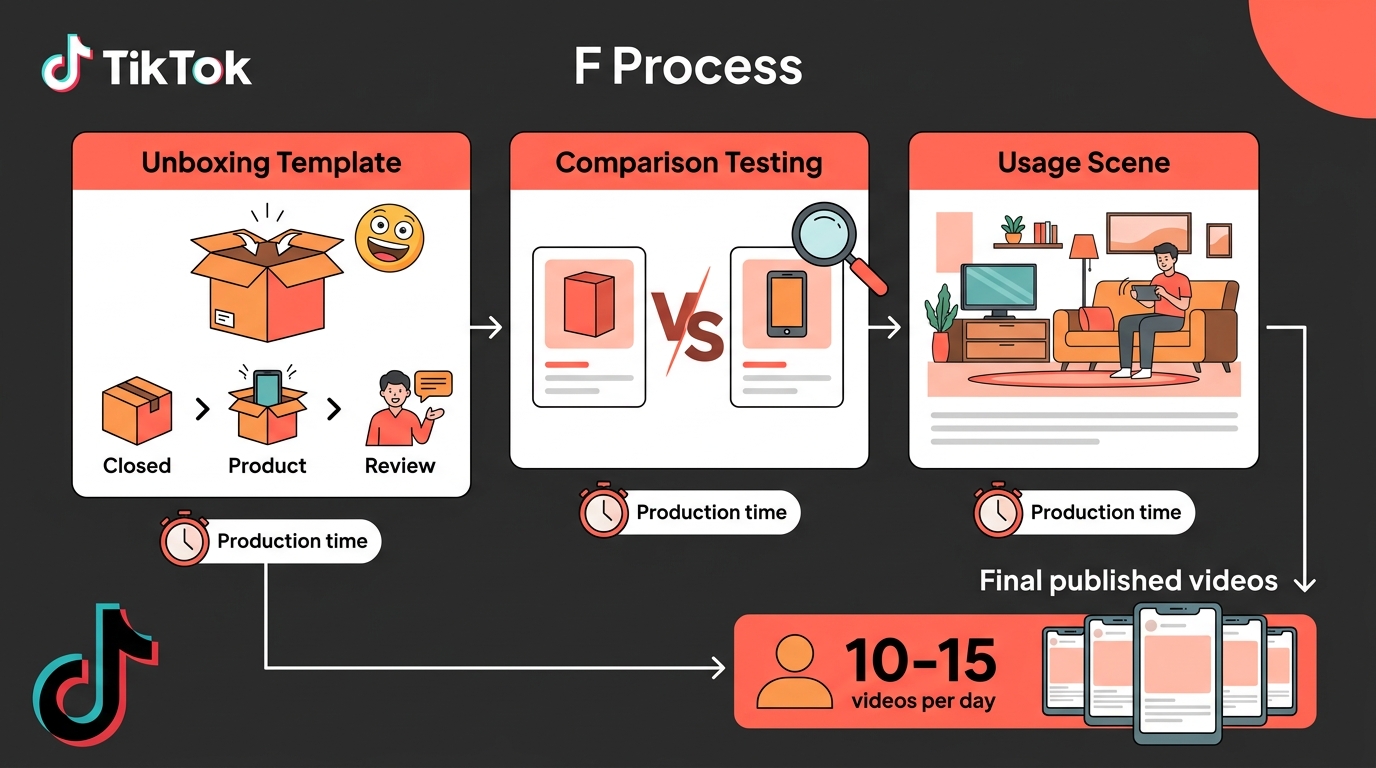
To sum it up: How to choose a TikTok video downloader?
If you are a brand operations, agency, or content team, prioritize SocialEcho, the free image and video downloader. It's more than just a download portal; it's ideal for integrating downloaded video footage into social media scheduling, comment management, data analysis, and competitor analysis processes.
If security and platform compliance are your top priorities, prioritize using the official TikTok downloader. The official method is generally safer, but it doesn't support watermark-free downloads and is subject to creator download restrictions.
If you only need to temporarily save a single public video, you can use Snapchat, SSSTikTok, MusicallyDown, and TTDownloader as backup tools. They have a certain user base and search traffic, making them suitable for occasional downloads, but it's not recommended to enter your account password, nor are they suitable as a long-term asset management solution for businesses.
A simple selection criterion is:
- For team social media operations: Choose SocialEcho;
- If you only want to save using the official method: select the official TikTok downloader;
- To temporarily download watermark-free videos, try SnapTik;
- You need to use both a mobile phone and a computer: you can try SSSTikTok;
- To analyze audio, voiceovers, and background music: try MusicallyDown;
- If you'd like an alternative parsing tool, you could try TTDownloader.
Before downloading TikTok videos, please confirm the copyright and intended use.
Whether a TikTok video can be downloaded and whether it can be used after downloading are two different things. Many third-party tools can parse public links, but this does not mean you can republish or use someone else's video for commercial purposes.
A more reliable way to judge is to look at the intended use:
- Downloading your own TikTok videos for backup, editing, or cross-platform reposting is generally low-risk;
- Download videos from collaborating experts for project archiving and internal review. You need to confirm whether the collaboration agreement allows for saving and reuse.
- Download publicly available competitor videos for internal research and content analysis. You can keep the links and screenshots, but it is not recommended to copy them directly.
- You must obtain explicit authorization before downloading other people's videos for use in advertisements, courses, brand websites, public mashups, or commercial materials.
The official TikTok download page also reminds users to respect creators' rights and states that the platform does not currently support downloading watermark-free videos. Therefore, the core principle of the tools recommended in this article is not to "circumvent the rules," but to help you more efficiently save your own content, organize public video examples, and establish a traceable material management process while complying with regulations.
- SocialEcho Free Image and Video Downloader: Highly recommended for social media teams and content creators.
Recommendation rating: ★★★★★
Suitable for: Cross-border brands, social media operators, content teams, agency management, and matrix account teams. Tool address: SocialEcho Free Image Video Downloader
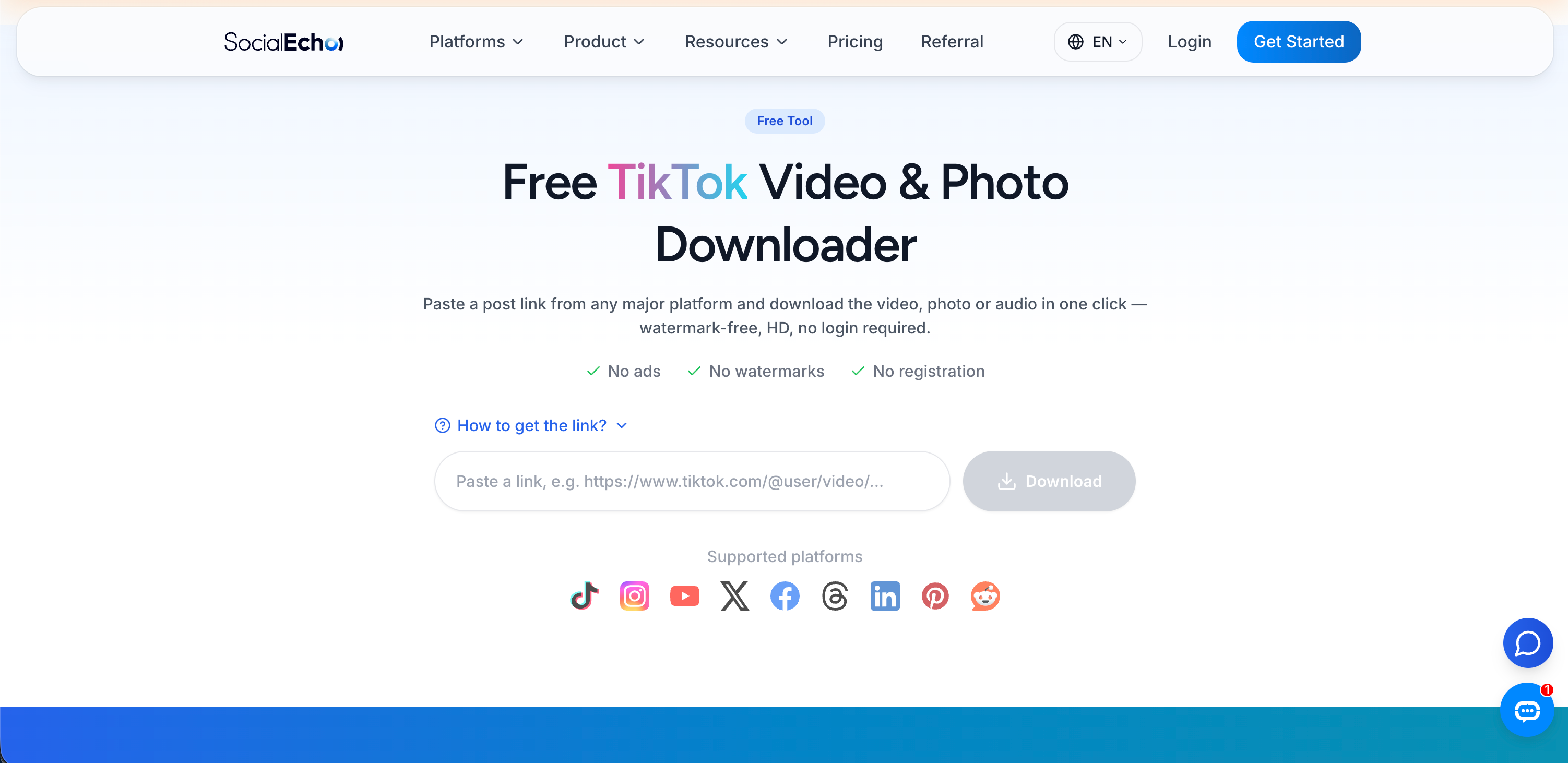
SocialEcho, a free image and video downloader, is ideal for integrating TikTok video downloading into a complete social media workflow. It supports online parsing after copying post links, allowing downloads of publicly accessible social media videos, images, and audio. Provided the platform provides watermark-free sources, it prioritizes returning watermark-free, high-resolution files. The tool itself requires no installation or registration, making it suitable for lightweight use and for teams to initially collect materials. According to the publicly available page description, each user can parse 3 times per day, suitable for verifying links, download formats, and team workflows.
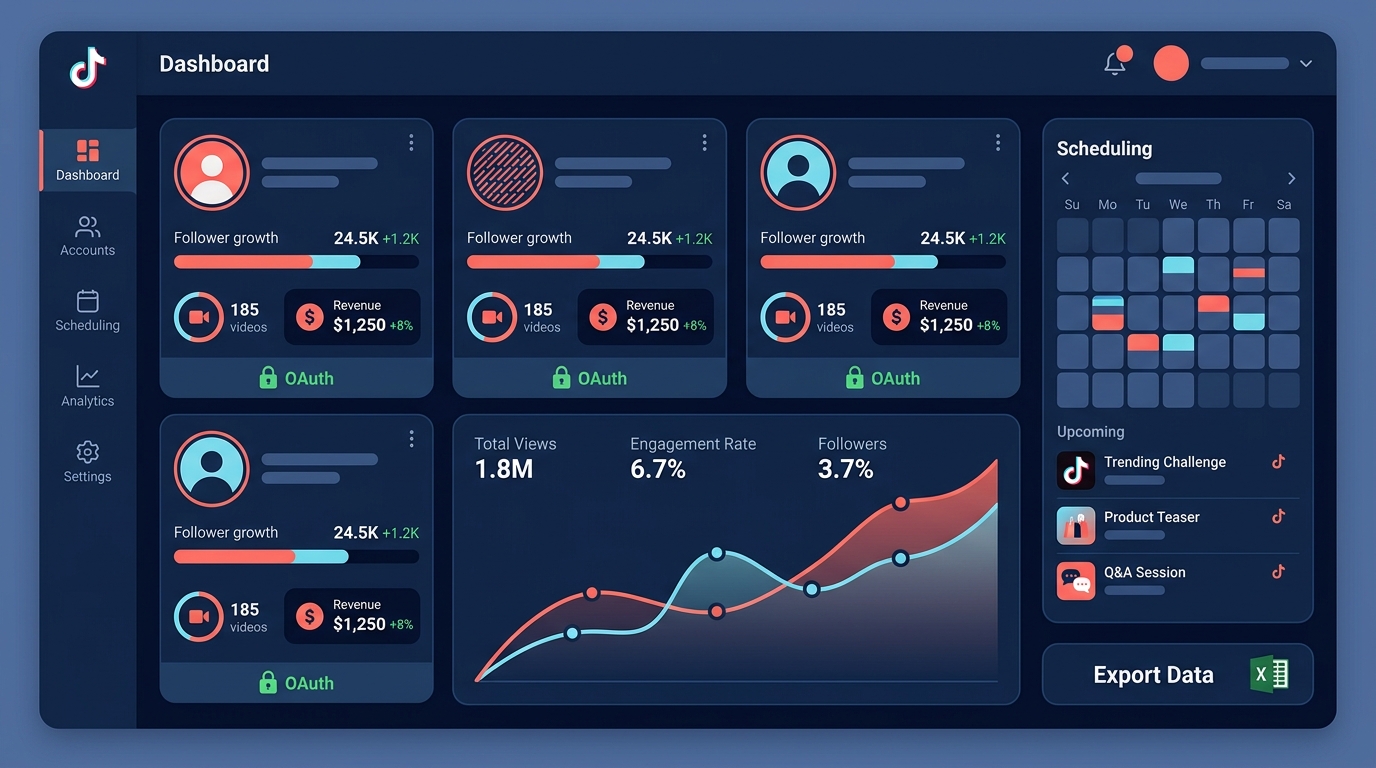
Its key advantage lies in the fact that downloading is just the beginning. Many TikTok download sites address "how to save this video," but the operations team is truly concerned with "how to archive, review, and reuse it after downloading." SocialEcho itself is designed for multi-platform social media management scenarios, connecting material downloads, content scheduling, unified interaction, and data review.
For example, a third-party operations team needs to save TikTok videos, competitor trending content, and influencer collaborations for client accounts every week. Relying solely on the phone's photo album quickly leads to problems like inconsistent file naming, unclear authorization status, and no record of why a video went viral. Using the SocialEcho downloader, the team can first save the videos and then combine them with TikTok's scheduled posting , comment management , and data analytics features to transform the materials from "downloaded files" into "reusable content assets."
The SocialEcho downloader is better suited for these scenarios:
- Back up your previously posted TikTok videos;
- Save videos of collaborations with experts to facilitate project delivery and review;
- Collect publicly available videos from competitors for topic selection and script analysis;
- Download image galleries, videos, or audio files to create an inspiration resource library;
- Transform high-performing TikTok content into short videos for other platforms;
- The team keeps a unified record of the source, purpose, and subsequent release plan of the materials.
It's important to note that the SocialEcho downloader only supports publicly accessible content and does not support downloading private, deleted, or restricted videos. Whether downloaded content can be used commercially depends on the original author's copyright, platform rules, and the scope of your authorization.
- Official TikTok Downloader: The Safest and Most Compliant Choice
Recommendation rating: ★★★★★
Target audience: Users who value platform rules, copyright security, and official channels. Tool address: TikTok Official Downloader
The official TikTok downloader is the safest and most compliant option. It comes directly from TikTok, requires no access to third-party parsing websites, and doesn't need additional plugins, making it more suitable for individual users, brand teams, and businesses sensitive to copyright risks.
The advantages of the official method are clear: reliable source, low risk, no need to paste links to unfamiliar websites, and no inducement to install unknown software. For users who only want to save videos that are allowed to be downloaded, or who prioritize compliance with platform rules, the official TikTok downloader should be a second priority, and even a first priority in some corporate compliance scenarios.
However, the official tools also have significant limitations: TikTok's official page states that the platform does not currently support downloading watermark-free videos; furthermore, to protect creators' rights, it is not recommended to use third-party tools to save or download TikTok users' videos. This means that if you need watermark-free footage for internal editing research or to compile public case studies in bulk, the official tools may not fully meet your needs.
A more reasonable approach is to first determine whether the video is proprietary or authorized content; prioritize using official methods when possible; and when third-party tools are indeed necessary, use them only for compliant backups, internal research, and material archiving, and do not equate download capability with authorized use.
- Snapchat: A common tool for downloading TikTok videos without watermarks.
Recommendation rating: ★★★★☆
Suitable for: Users who want to temporarily download a single public video and want to save a clean view.
SnapTik is one of the most searched TikTok download tools, commonly used to parse TikTok links online and download watermark-free videos. Its operation is relatively simple: copy the TikTok video link, paste it into the tool's input box, wait for parsing, and then save the file.
Snapchat's advantage is its ease of use, requiring no complicated setup and eliminating the need for users to enter their TikTok account password. It's a common backup tool for those who occasionally save public videos, use them for internal reference, or practice editing.
However, it is still a third-party tool, and three issues need to be noted. First, page ads and fake buttons may affect the user experience; second, the parsing success rate may fluctuate when the TikTok page structure changes; third, downloading without a watermark does not equate to obtaining reposting authorization. If you download someone else's video, it is recommended that you use it only for personal study or internal research.
- SSSTikTok: Suitable for use on multiple devices including mobile phones and computers.
Recommendation rating: ★★★★☆
Suitable for: Users who frequently browse TikTok on their phones but need to organize materials on their computers.
SSSTikTok is also a common online TikTok download tool, usually accessible via a browser. It's suitable for cross-device use: you can copy the TikTok link on your phone or paste the link and save the video file on your computer.
For content operators, cross-device capabilities are very useful. Many viral videos are seen on mobile phones, but the actual review, categorization, and script breakdown are often done on computers. SSSTikTok can serve as a temporary bridge, helping you transfer videos seen on your mobile device to your desktop for organization.
However, iPhone users may need to take extra steps to save files; some videos may also fail to download due to permissions, region restrictions, or invalid links. It's better suited as a backup tool than a complete media management system.
- MusicallyDown: Suitable for analyzing TikTok audio, voiceovers, and background music.
Recommendation rating: ★★★★☆
Suitable for: Short video creators, editors, and people who want to study music and narration rhythm.
MusicallyDown is often used to download TikTok videos or extract audio. For creators, TikTok viral hits rely not only on visuals, but also on sound: the tone of voice in the first 3 seconds, the rhythm of the background music, the timing of transitions, pauses in the narration, and the combination of subtitles and sound effects.
If you want to analyze why a TikTok video goes viral, simply saving the visuals isn't enough. You also need to analyze the audio structure: Does the first sentence create suspense? Does the background music enhance the emotion? Does the ending use spoken narration to encourage comments or followers? MusicallyDown is a suitable tool for this type of audio research.
However, audio copyright risks are more easily overlooked than video risks. Music that can be used on TikTok may not be suitable for use on YouTube, Instagram, or in commercial ads. For public or commercial releases, it is recommended to use the platform's licensed music library or verify the source of the music copyright.
- TTDownloader: Suitable as a backup TikTok link parsing tool
Recommendation rating: ★★★☆☆
Suitable for: Users who only want to quickly download a single TikTok video.
TTDownloader's approach is quite straightforward: copy the TikTok video link, paste it into the page's input box, and wait for it to be parsed and downloaded. It's suitable for users who don't want to install plugins, register an account, or simply want to temporarily save a public video.
For social media operations teams, TTDownloader can serve as a backup tool. Having an alternative access point when a third-party parsing website becomes temporarily unavailable can prevent the collection of content from being interrupted.
However, it's not suitable for complex team collaborations. It can't help you record video sources, authorization status, or subsequent uses, nor can it automatically incorporate materials into publishing plans or data reviews. For enterprise teams that are doing long-term TikTok content operations, it's recommended to put the download process into a complete workbench like SocialEcho.
EEAT Perspective: Why does this article prioritize SocialEcho instead of just listing third-party download sites?
From EEAT's perspective, a recommendation article for TikTok download tools shouldn't just list the tool names; it should also answer three questions: Who is using it? Why choose this method? And how to use it responsibly after downloading?
Experience: In real-world operational scenarios, downloading videos is usually not the end. Brand teams will continue with archiving materials, script breakdown, comment review, and cross-platform rewriting. SocialEcho is better suited to this continuous workflow, rather than a one-time download.
Expertise: When choosing tools, social media teams should consider high-definition downloads, watermark-free requirements, copyright boundaries, material management, and post-release efficiency. Simply recommending third-party parsing sites can easily overlook the actual workflow of the enterprise.
Authoritativeness: The official TikTok downloader represents the platform's rules and compliance boundaries, therefore this article places it second and explicitly states that the official website does not support watermark-free downloads to avoid misleading users.
Trustworthiness: This article discourages circumventing copyright rules and does not recommend downloading private content, entering account passwords, or installing unknown plugins. All third-party tools are recommended for use only with public content, internal research, or processing authorized materials.
How can downloaded TikTok videos be transformed into reusable content assets?
Downloading TikTok videos is just the first step. For the team, the more important thing is to establish material management standards; otherwise, the more you download, the more likely it is to become a pile of files that are "unfinishable, unusable, and whose source cannot be identified."
It is recommended that each piece of material record at least 8 fields:
- Original video link;
- Creator account;
- Release time;
- Video theme;
- Hook at the beginning;
- Reasons for the explosive point;
- Authorization status;
- Subsequent uses.
For example, if a competitor's TikTok video gets a lot of views, you can't just download it locally. A more valuable approach is to record its title, the first three seconds of its message, frequently asked questions in the comments section, its conversion guidance methods, and whether it's suitable for rewriting into your brand content.
If the team needs to respond to comments uniformly, they can combine Facebook comment management or TikTok comment management features; if they need to track performance, they can combine Instagram data analytics or TikTok data analytics features; if they need to schedule content across multiple platforms, they can use LinkedIn scheduled posting , TikTok scheduled posting, and other features to move the material from "downloading" to "posting" and "reviewing".
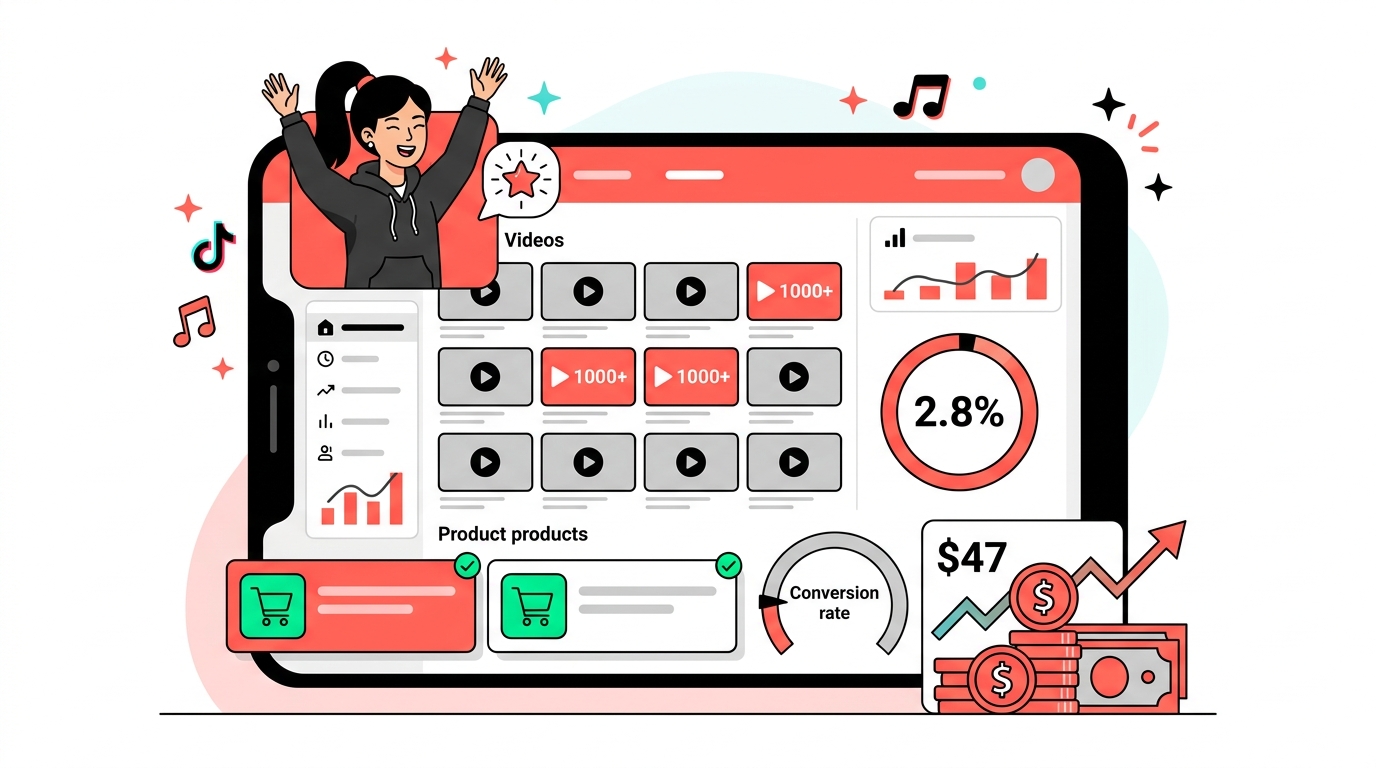
TikTok video downloader security checklist
Before using any TikTok video downloader, it is recommended to review the safety checklist first:
- Do not enter your TikTok account password;
- Do not install software from unknown sources;
- Do not click on the download button that obviously looks like an advertisement;
- Do not download private, deleted, or restricted content;
- Do not directly repost other people's videos to other platforms;
- Retain the original link and author information;
- Authorization must be confirmed before commercial use;
- The team established a record of the sources of materials.
If a download website asks you to log in to TikTok, install unknown programs outside your browser, or promises that you can download any private content, it is recommended to avoid it.
Frequently Asked Questions (FAQ)
Q1: Can TikTok videos be downloaded for free?
Some TikTok videos can be downloaded for free using official or third-party tools, but whether a download is possible depends on video permissions, creator settings, regional restrictions, and the tool's parsing capabilities. It is recommended to prioritize downloading your own videos or videos that have already been authorized.
Q2: What content does the SocialEcho free image and video downloader support?
The SocialEcho downloader supports downloading publicly accessible social media videos, images, and audio. As per the page description, it can be used to parse publicly available content from mainstream platforms such as TikTok, and prioritizes returning watermark-free, high-resolution files when the platform provides a watermark-free source.
Q3: Does the official TikTok downloader support watermark-free downloads?
No. TikTok's official download page clearly states that, to protect creators' rights, TikTok currently does not support downloading watermark-free videos. The official method is more suitable for users who value security and compliance.
Q4: Which TikTok download tool is best suited for social media operations teams?
If you're planning to do social media operations long-term, SocialEcho is highly recommended. This is because your team needs more than just downloads; it also includes archiving materials, scheduling content, managing comments, analyzing data, and managing operations across platforms.
Q5: Which tools can be used to download TikTok videos without watermarks?
Third-party tools such as Snapchat, SSSTikTok, MusicallyDown, and TTDownloader are often used by users for downloading without watermarks. However, downloading without a watermark does not mean that it can be freely reproduced or used commercially; copyright and authorization should still be confirmed before use.
Q6: Will downloading TikTok videos reduce video quality?
Possibly. Download quality depends on the original video resolution, TikTok's compression, the tool's parsing capabilities, and the output format. Generally, tools can only preserve the original quality as much as possible; they cannot truly convert low-resolution videos into high-resolution ones.
Q7: Can I upload downloaded TikTok videos to YouTube Shorts?
If it's your own video, you can usually repost it according to the rules of each platform. If it's someone else's video, it's not recommended to repost it to YouTube Shorts, Instagram Reels, or other platforms without authorization, otherwise you may encounter copyright complaints or account penalties.
Q8: Can I download the music from TikTok videos?
Some tools can extract audio, but music available on TikTok is not necessarily free to use on other platforms or in commercial settings. Before publicly releasing or using it commercially, it is recommended to use an authorized music library or verify the music copyright.
Q9: Why can't I download some TikTok videos?
Common reasons include: the creator has disabled download permissions, the video is private content, the link is invalid, there are regional restrictions, the video has been deleted, the tool failed to parse it, or a TikTok page structure update has made third-party tools temporarily unavailable.
Q10: Is it safe to use a third-party TikTok download tool?
Not necessarily. It's recommended to choose reputable tools, avoid entering account passwords, installing unknown software, clicking on suspicious ads, and downloading browser plugins from unknown sources.
Q11: Can the brand team download competitor TikTok videos for analysis?
It can be used for internal research and debriefing, but unauthorized public display, re-editing, or commercial use is not recommended. A safer approach is to retain the original link and only analyze the content structure, comment feedback, publication time, and dissemination strategy.
Q12: How can I manage my TikTok videos more efficiently after downloading them?
It is recommended to establish a media library to record video links, creator accounts, release times, content types, reasons for virality, authorization status, and future usage plans. For long-term team operations, SocialEcho can be used to connect media management, content publishing, and data analysis.
Q13: Is it okay to download TikTok private videos?
It is not recommended, and it is usually impossible to download using legitimate tools. The SocialEcho downloader only supports publicly accessible content; private, deleted, or restricted content cannot be downloaded.
Q14: Does the TikTok video downloader require registration?
Different tools have different requirements. The SocialEcho free download page states that it can be used without registration, but to prevent abuse, each user has a daily limit on the number of parsing attempts. Third-party tools usually do not require registration either; if you encounter a website that asks for your TikTok account password, you should be cautious and avoid it.
Q15: What should businesses pay most attention to when using TikTok download tools?
Businesses should pay the most attention to copyright, licensing, and source documentation. Download efficiency is not the only criterion; what truly affects risk is: who created the video, whether it was licensed, whether it contains music copyrights, whether it was used for commercial distribution, and whether the team can trace the source of the material.
Summarize
There are many tools for downloading TikTok videos for free, but different tools are suitable for different scenarios.
If you are a content team, cross-border brand, or agency, SocialEcho, a free video downloader , is highly recommended because it's better suited for connecting and downloading, managing materials, scheduling content, and reviewing data. If official compliance is your top priority, use the official TikTok downloader. For temporary downloads of public videos, you can use SnapTik, SSSTikTok, MusicallyDown, and TTDownloader as backup tools.
Finally, remember this: downloading ability is not the same as licensing. Before saving a TikTok video, confirm its source, intended use, and copyright boundaries; after saving the video, use a clear asset management process to turn it into a truly reusable content asset.
;}.cls-2{fill:%230868f7;}.cls-3{fill:url(%23未命名的渐变_44);}.cls-4{fill:%23333;}%3c/style%3e%3clinearGradient%20id='未命名的渐变_8'%20x1='33.73'%20y1='100.61'%20x2='-0.03'%20y2='-1.06'%20gradientUnits='userSpaceOnUse'%3e%3cstop%20offset='0'%20stop-color='%237ae9fb'/%3e%3cstop%20offset='0.67'%20stop-color='%232b90f8'/%3e%3cstop%20offset='1'%20stop-color='%230868f7'/%3e%3c/linearGradient%3e%3clinearGradient%20id='未命名的渐变_44'%20x1='27.86'%20y1='18.67'%20x2='68.36'%20y2='22.22'%20gradientUnits='userSpaceOnUse'%3e%3cstop%20offset='0'%20stop-color='%235ac7f2'/%3e%3cstop%20offset='1'%20stop-color='%230868f7'/%3e%3c/linearGradient%3e%3c/defs%3e%3cpath%20class='cls-1'%20d='M29,28.74V81.91l-9.51-3.68v0L8.52,74A7.17,7.17,0,0,1,4,67.32V24.54A3.76,3.76,0,0,1,9.08,21Z'/%3e%3cpath%20class='cls-2'%20d='M68.09,78.07a13.15,13.15,0,0,1-17.9,12.06L29,81.91h0V28.74L50.19,37A13.17,13.17,0,0,0,68.08,25.3h0Z'/%3e%3cpath%20class='cls-3'%20d='M68.08,25.3a13.19,13.19,0,0,1-6.73,10.87A13.09,13.09,0,0,1,50.19,37L29,28.74V6A3.76,3.76,0,0,1,34.1,2.52l25.59,9.91A13.22,13.22,0,0,1,68.08,25.3Z'/%3e%3cpath%20class='cls-4'%20d='M129.06,81.76a4.33,4.33,0,0,1-3.19-1.31,4.4,4.4,0,0,1-1.31-3.24V56.86H97.65V77.21a4.36,4.36,0,0,1-1.35,3.2A4.68,4.68,0,0,1,93,81.76a4.32,4.32,0,0,1-3.19-1.31,4.37,4.37,0,0,1-1.32-3.24V27.27A4.58,4.58,0,0,1,89.83,24a4.59,4.59,0,0,1,7.82,3.27V48.15h26.91V27.27A4.58,4.58,0,0,1,125.91,24a4.59,4.59,0,0,1,7.82,3.27V77.21a4.37,4.37,0,0,1-1.36,3.2A4.65,4.65,0,0,1,129.06,81.76Z'/%3e%3cpath%20class='cls-4'%20d='M163.77,81.66c-6.57,0-11.76-1.92-15.44-5.7s-5.54-9.07-5.54-15.74a26.76,26.76,0,0,1,2.09-10.43,17.72,17.72,0,0,1,6.67-8.06,19.15,19.15,0,0,1,10.68-2.95,19,19,0,0,1,10.46,2.8,18.7,18.7,0,0,1,6.55,7.36,22.53,22.53,0,0,1,2.36,10.28A4.51,4.51,0,0,1,177,63.77H152.23a10.8,10.8,0,0,0,3.49,6.65c2,1.68,4.88,2.52,8.66,2.52a22.25,22.25,0,0,0,7.54-1.21c.74-.3,1.55-.67,2.37-1.07a3.75,3.75,0,0,1,1.84-.4,4.09,4.09,0,0,1,3,1.15,4,4,0,0,1,1.12,3,4.38,4.38,0,0,1-2.58,3.82,32.34,32.34,0,0,1-6.36,2.61A28.67,28.67,0,0,1,163.77,81.66ZM172.4,55.9a9.72,9.72,0,0,0-1.63-4.56A9.9,9.9,0,0,0,167,48a10.38,10.38,0,0,0-4.64-1.14,12,12,0,0,0-4.77,1.06,9.54,9.54,0,0,0-4.89,5.66,11.78,11.78,0,0,0-.51,2.3Z'/%3e%3cpath%20class='cls-4'%20d='M193,81.64a4.49,4.49,0,0,1-4.51-4.55V27.28A4.58,4.58,0,0,1,189.84,24a4.48,4.48,0,0,1,3.28-1.36A4.36,4.36,0,0,1,196.35,24a4.46,4.46,0,0,1,1.31,3.31V77.09a4.34,4.34,0,0,1-1.35,3.2A4.67,4.67,0,0,1,193,81.64Z'/%3e%3cpath%20class='cls-4'%20d='M263.79,81.71a5.7,5.7,0,0,1-4.2-1.74,5.76,5.76,0,0,1-1.73-4.19V27.37a4.58,4.58,0,0,1,1.35-3.27A4.59,4.59,0,0,1,267,27.37V72.53h24a4.58,4.58,0,0,1,3.27,7.82A4.66,4.66,0,0,1,291,81.71Z'/%3e%3cpath%20class='cls-4'%20d='M424.48,81.74a4.71,4.71,0,0,1-2.71-.88,5.43,5.43,0,0,1-1-1l-.07-.09-12.41-17-5.41,5v9.44a4.31,4.31,0,0,1-1.36,3.19,4.66,4.66,0,0,1-3.3,1.36A4.29,4.29,0,0,1,395,80.42a4.36,4.36,0,0,1-1.32-3.23V27.37A4.58,4.58,0,0,1,395,24.1a4.52,4.52,0,0,1,6.58.12,4.54,4.54,0,0,1,1.24,3.15V56.31l17.72-16.38.05,0a4.8,4.8,0,0,1,2.94-1.11,4.4,4.4,0,0,1,3.27,1.2,4.57,4.57,0,0,1,1.2,3.27,4.44,4.44,0,0,1-.77,2.33,7.45,7.45,0,0,1-1.43,1.65l-11,9.64,13.34,17.68a5,5,0,0,1,1,2.71,4.12,4.12,0,0,1-1.36,3.24A4.64,4.64,0,0,1,424.48,81.74Z'/%3e%3cpath%20class='cls-4'%20d='M317.93,81.76a21.5,21.5,0,1,1,21.17-21.5A21.37,21.37,0,0,1,317.93,81.76Zm0-34.1a12.61,12.61,0,1,0,12.42,12.6A12.52,12.52,0,0,0,317.93,47.66Z'/%3e%3cpath%20class='cls-4'%20d='M212.18,101.22a4.12,4.12,0,0,1-3.05-1.26,4.17,4.17,0,0,1-1.26-3.1V43.34a4.37,4.37,0,0,1,1.3-3.14,4.26,4.26,0,0,1,3.13-1.3,4.19,4.19,0,0,1,3.1,1.26,4.32,4.32,0,0,1,1.26,3.16,20.77,20.77,0,0,1,13-4.54,21.51,21.51,0,0,1,0,43,20.51,20.51,0,0,1-13-4.57V96.86a4.15,4.15,0,0,1-1.3,3.06A4.5,4.5,0,0,1,212.18,101.22Zm17.43-53.63c-6.23,0-12.93,4.11-12.93,12.72a12.73,12.73,0,0,0,25.46,0A12.71,12.71,0,0,0,229.61,47.59Z'/%3e%3cpath%20class='cls-4'%20d='M365.76,81.76a21.5,21.5,0,1,1,21.18-21.5A21.37,21.37,0,0,1,365.76,81.76Zm0-34.1a12.61,12.61,0,1,0,12.42,12.6A12.52,12.52,0,0,0,365.76,47.66Z'/%3e%3c/svg%3e)