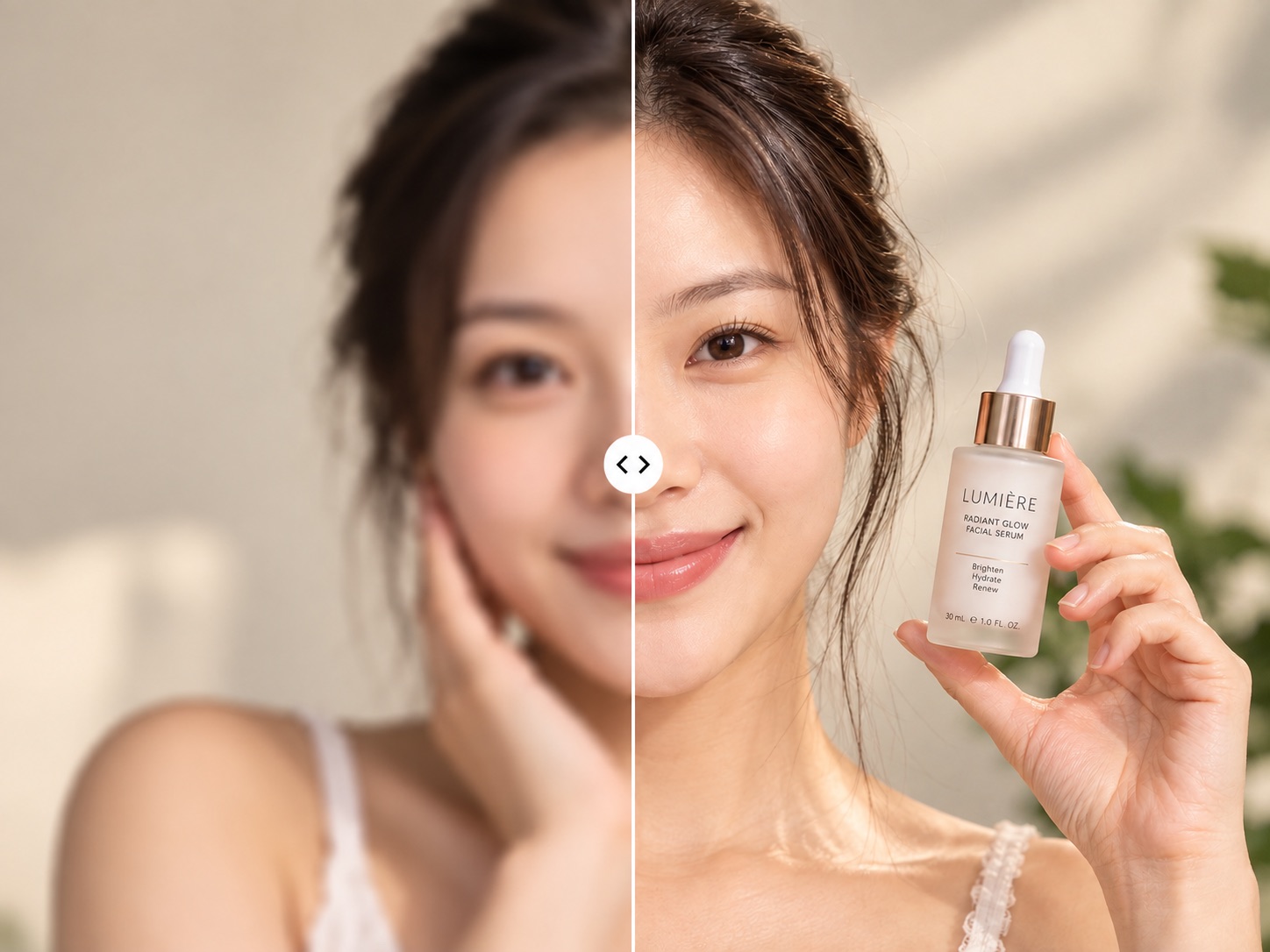

Short drama & fan edits
Early low-resolution episodes and licensed clips enhanced before editing, so they no longer look soft on large screens.
Older sources meet platform quality bars.
Old phone footage, clips crushed by compression: pick an output resolution and get a clearer picture.
Pick a resolution, let AI do the rest
A low-resolution, compressed or older clip up to 1 minute. Content, framing and length stay as in the original.
Four settings, from 720p up to 4K. Pick what the destination platform needs; the top setting is not always necessary.
The enhanced video is saved to your asset library, ready for a caption and a place in each platform's publishing queue.
Enhanced versions go straight into the publishing queue, so refreshed archive footage can be scheduled for another round across your accounts.
Footage you already own, sharp enough for today's screens.
Early low-resolution episodes and licensed clips enhanced before editing, so they no longer look soft on large screens.
Older sources meet platform quality bars.
Event, interview and product videos from years ago enhanced for anniversary reels and brand stories.
Archive footage becomes usable again.
Phone videos from fans, compressed by repeated sharing, enhanced with permission before reposting.
Submissions match the official account's quality.
A library of clips at mixed resolutions brought up to one standard before distribution to every account.
Consistent picture quality across accounts.
Test the blurriest clip before you process a batch.
Built for teams putting older footage back into circulation.
Four settings from 720p to 4K. Vertical shorts and horizontal videos both keep their original aspect ratio.
Enhanced footage can go on to lip sync, video translation and other transformations without exporting and uploading again.
Refreshed footage is added to the library, captioned in the publishing editor and scheduled across platforms and accounts.
Billed by the length of the generated video. Test a short section first, then process the full batch once you are happy.
What teams ask before refreshing older footage
Output options are 720p, 1080p, 2K and 4K, up to 4K. Each video can be up to 1 minute.
It does not re-edit or reframe anything. AI raises clarity and fills in detail, but in very blurry areas the added texture may differ from reality, so check the preview before publishing.
If the picture is already clean, use the original. Enhancement is aimed at compressed, low-resolution or noisy footage; a 1080p clip meant for large screens can be taken to 2K or 4K.
No. The original soundtrack is kept as is; enhancement works on the picture only.
Yes. Vertical and horizontal videos are enhanced at their original aspect ratio, with no cropping.
By the length of the generated video; see the plans page for the per-minute rate. Test a short section first and process the full clip once you are happy.
Yes, if you own the rights to the original video or have a license for it. Enhancement does not change who owns the footage; someone else's video still needs their permission after enhancement.











Upload a low-quality video, choose a resolution and publish the clearer version.